ScrapBook

|
■Introduction This "ScrapBook" allows you to quickly retrieve the information you need. You can easily see it by pinching in and pinching out. ①This is the first screen of the application.

|
■seek ②It is a screen of.
It can be extracted from character strings and dates. 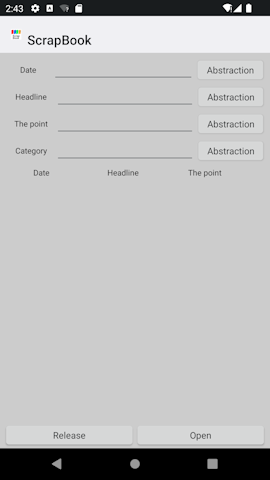
|
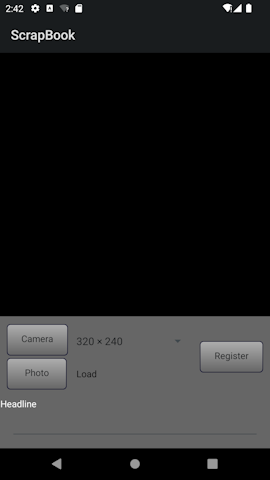
■make ③It is a screen of. To shoot, proceed from the camera mark and tap the shutter. Please tap the registration button after filling in all the information. You can import a photo from the gallery from the photo button.
|
|
■index ④It is a screen of. You can select in alphabetical order.
|
■in conclusion We hope you find this app useful. |