UFO Camera

■Introduction This UFO camera is an application that anyone can easily shoot UFO videos using the camera function of the smartphone. Since it can be saved as an AVI file, it can be imported to a computer and played back. ①This is the first screen of the application.

|
|
■photograph ②Tap the shoot button to shoot. "Tap it again to stop." You can tap on the screen to determine the spawn position. Shooting time up to 10 seconds Please return with the back button when you finish shooting.

|
■picture ③You can check the captured video. You can choose the size of the UFO. Choose from 3 types: small, medium, and big You can choose the movement speed of the UFO. From 4 types: stop, slow, medium, and fast 
|
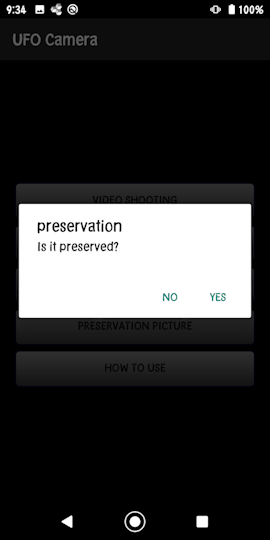
■keep ④Images can be saved.
|
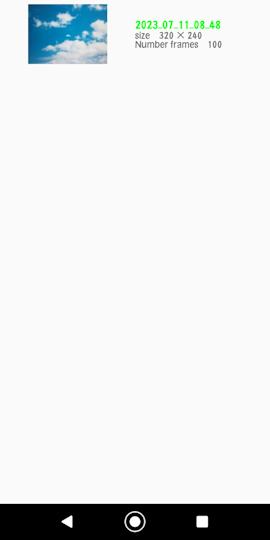
■Saved video ⑤You can view the saved video. Please select and tap the video you want to see from the list. Long press to delete.
|
■AVI file generation ⑥You can convert the saved video to an AVI file. Select the video you want to convert from the list and tap it. Long press to delete.
|
■in conclusion How to use is like this, please shoot interesting UFO videos. We hope you find this app useful. |