Denkou Bluetooth
|
■Introduction This "Denkou Bluetooth" can send messages by connecting terminals with Bluetooth. You can also change the color and speed. ①This is the first screen of the application. 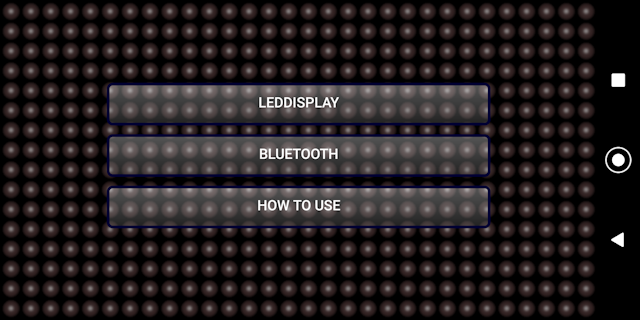
|
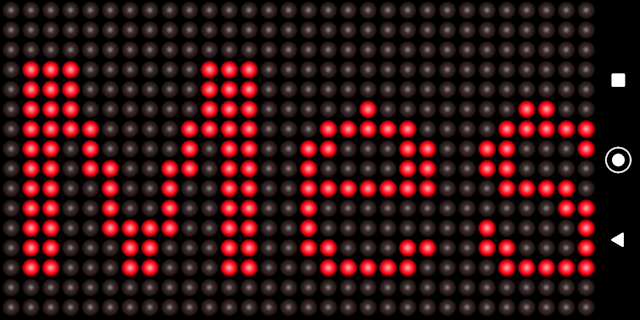
■Electric bulletin board ②Selecting an electric bulletin board is the same as the conventional app. It is an application that can be scrolled like an electric bulletin board. Tap the display screen to start. If you tap while it is displayed, the color will change. If you slide while displaying The scroll speed changes. High to the left, slow to the right It changes in 10 steps. Press and hold the screen while displaying You will be returned to the text input screen. 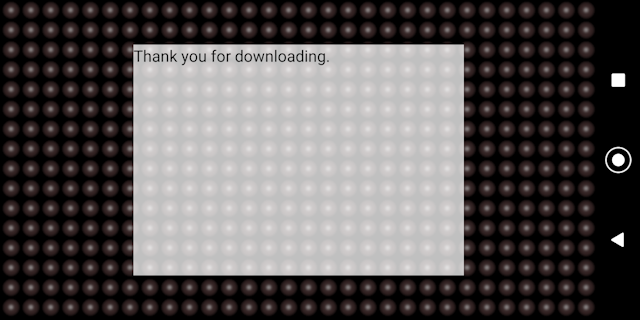
|
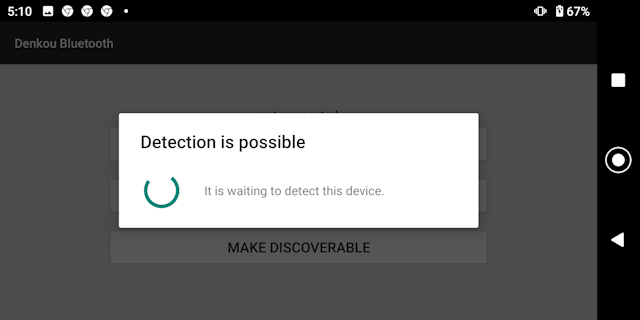
■bluetooth ③Choosing bluetooth Put one in the detectable state of ④ and wait for the connection. The other connects the device. Please tap the button. 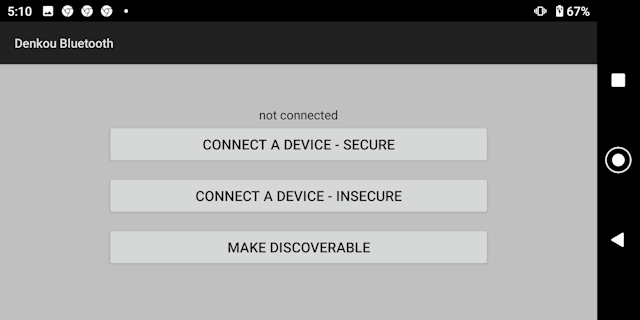
|
|
■Device selection ⑤Select from paired devices to connect. 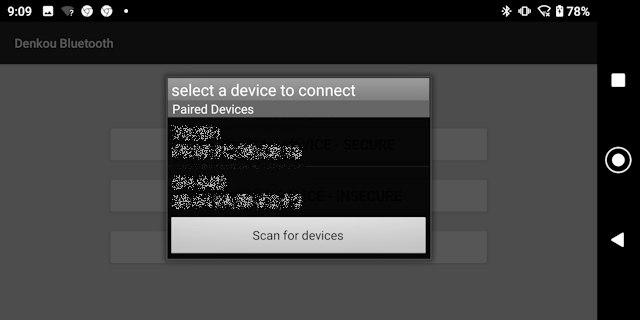
|
■connection ⑥If the connection is successful, you will be taken to this screen. Set one as the controller and the other as the display. 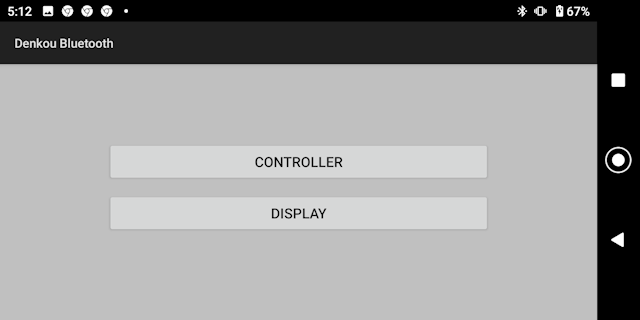
|
■Controller side ⑦If you put a comment in the edit box and tap the send button, it will be displayed on the ⑧ display side. You can also change the color by tapping on the LED. You can also change the scroll speed, tap the fast or slow button. You can send a fixed phrase by tapping the fixed phrase button. (To edit the fixed phrase, press and hold the fixed phrase button) 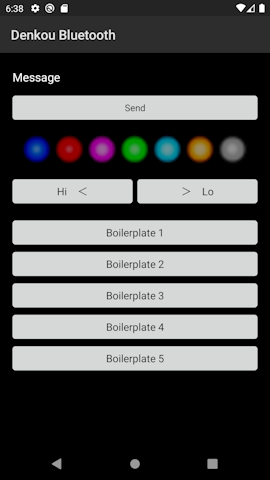
|
|
■in conclusion We hope you find this app useful. |