FacePhotoDataBase

|
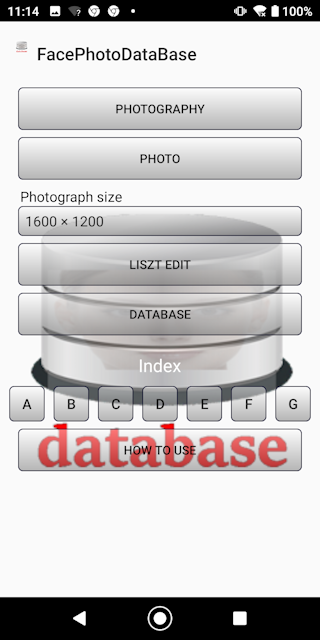
■Introduction FacePhotoDataBase is an application that automatically recognizes faces from captured images and creates a database. You can also create a database from the jpg file on the SD card. Image ① This is the first screen of the application.
|
|
■photograph Please shoot with camera sideways. If the shooting does not go well, take a picture with the standard camera of the terminal. ■ Please proceed from the picture. Image ② Recognizing This screen will appear when shooting is complete. The larger the photo size, the higher the face recognition rate, but it takes longer.
Image ③ Recognition confirmed
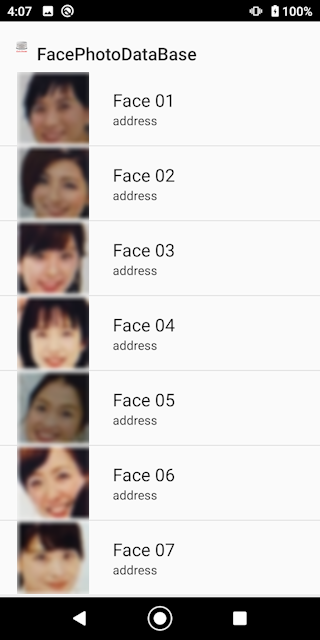
Image ④ List
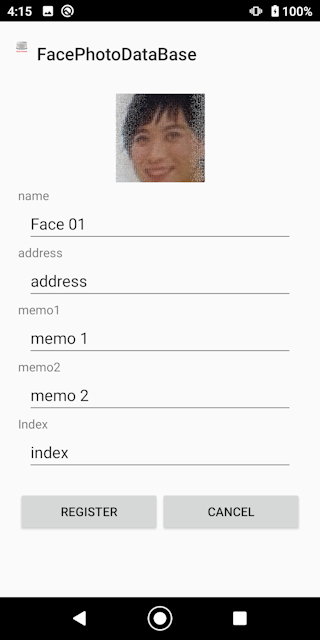
Image ⑤ Input

③
④
⑤
|
■Photo Image ⑦ Tap the jpg file you want to create in the database. The rest is the same as when shooting.
|
■List editing Image ⑦ Please proceed from the photo and tap the jpg file you want to create a database. The rest is the same as the input at the time of shooting by moving to image ④ image ⑤.

|
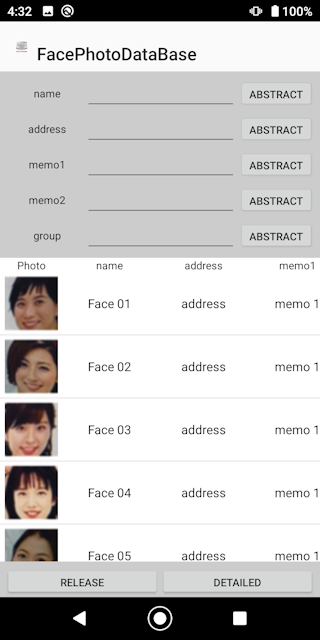
■Database Image ⑧ You can search from each item. Wildcards can be used for extraction. Enclose the character string you want to extract in% (half-width). To delete from the database, press and hold on the list. You can see the details by tapping on the list and tapping the details button. Tap the rewrite button to move to image ⑤ and change the contents.
|
■index Image ⑩ You can search in alphabetical order. You can find it from the index you entered.
|
■in conclusion I hope this app will help you manage your members. |