Flash morse

|
■Introduction This "Flash Morse" is an application that can send and receive Morse code using the camera function of the terminal. Corresponding characters are alphabets, numbers, and some symbols. You can send one character at a time with just a keyflick. You can also send all the character strings at once. You can also save the character string as a WAV file of Morse code. ①This is the first screen of the application.

|
|
■send ②Send screen Description of each button Sentence If you turn it on, you can create a character string. Sound When turned on, Morse code can be output. You can select the speed and frequency. Light When turned on, Morse can be flash output. The speed is fixed at 10wpm. Save You can save a WAV file of Morse code in the SD card. Backspace You can delete the character string. Listening If you turn it on, you can do a listening test. The correct answer is ping pong, and the incorrect answer is buzzing. Code If you turn it on, you can check it with your eyes. Transmit You can send the character string created by Sentence. 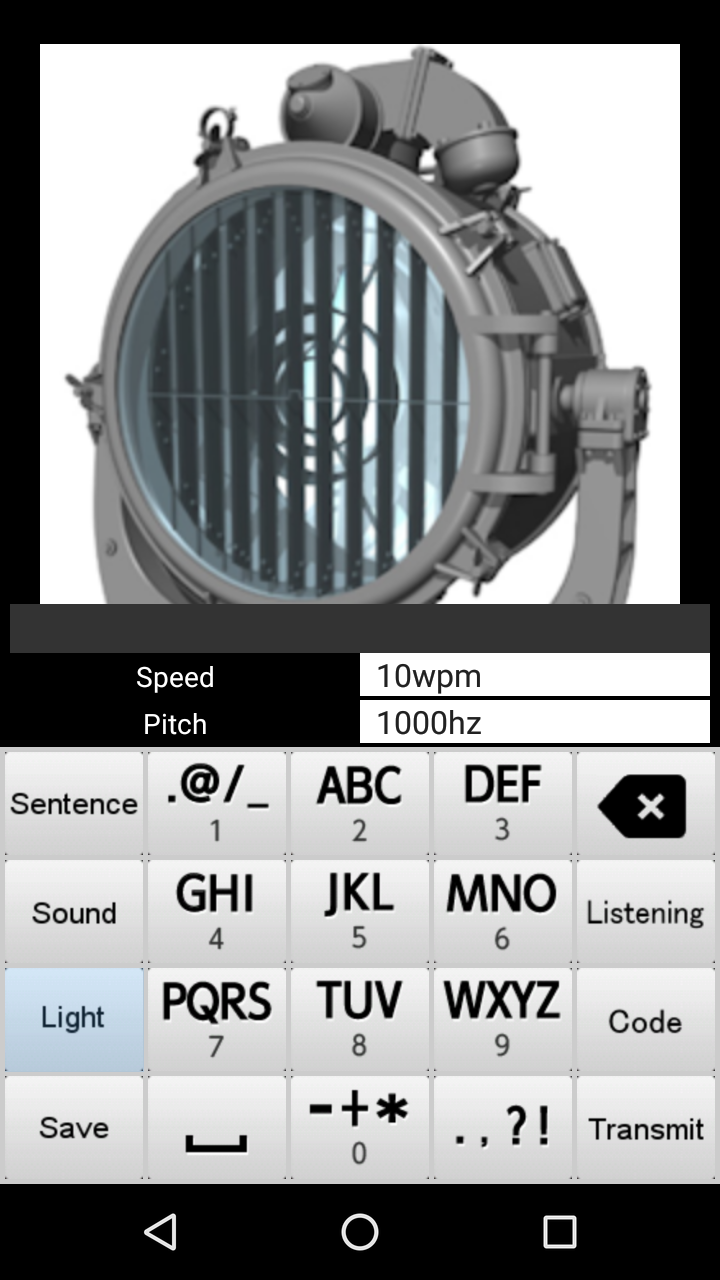
|
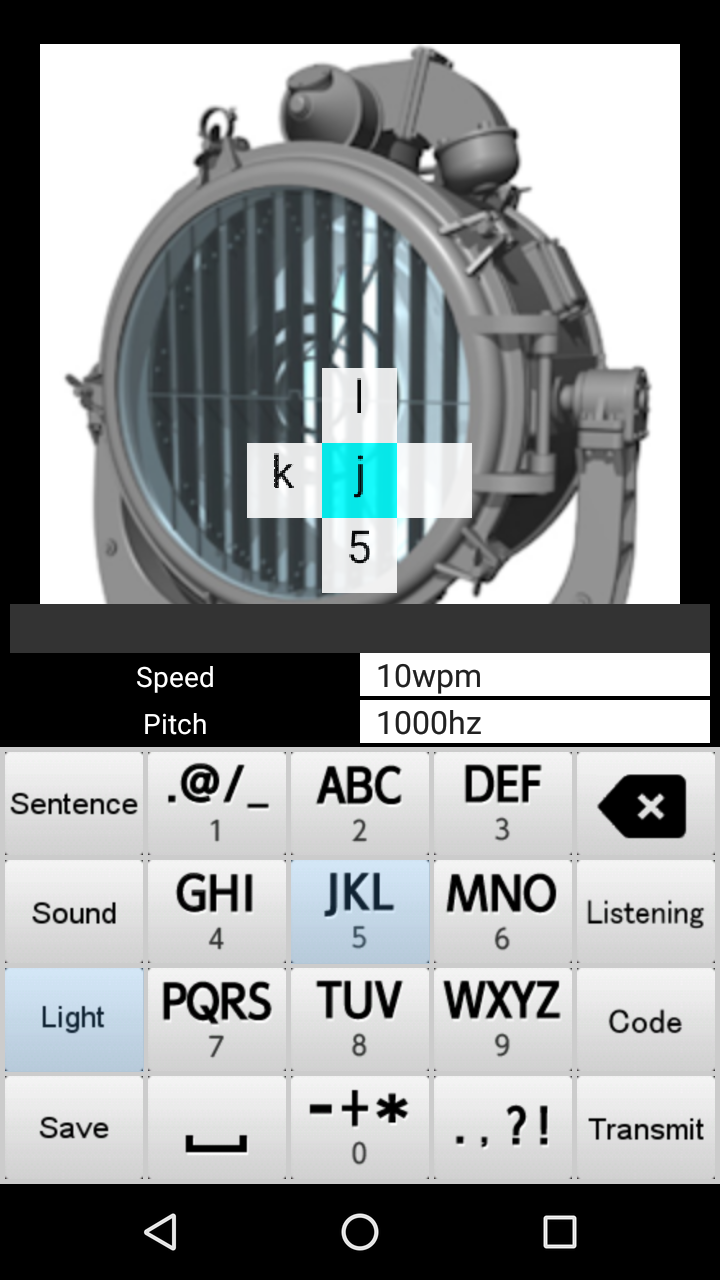
③Key flick Sending Morse is very easy. You can send it by key flicking.
|
■Receive ④Receive screen Description of each button sensitivity 7 levels of sensitivity adjustment, please select by tapping the screen. area Select the size of the square frame in 5 steps by tapping the screen. threshold Select the threshold value in 7 steps by tapping the screen. start When turned on, reception starts. (It changes to the red receive button.) clear All received characters can be cleared. 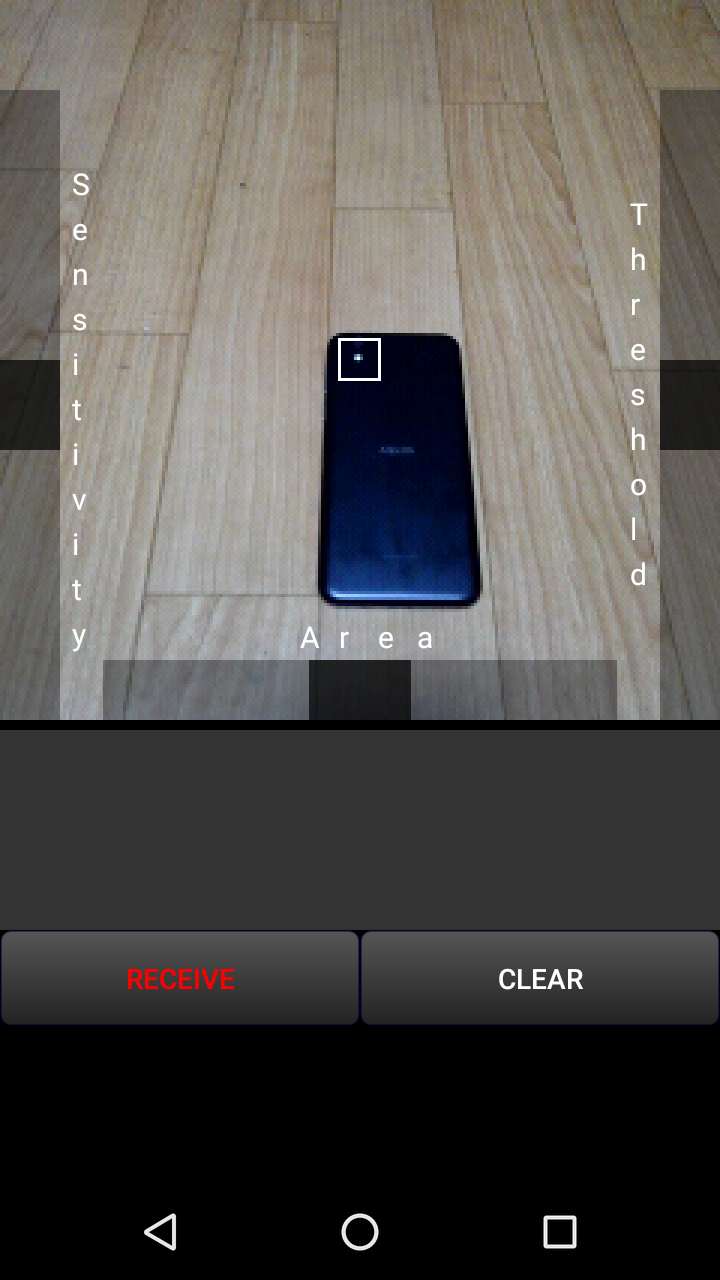
|
⑤When light is detected, the frame turns red. Set the sensitivity, area, and threshold according to the situation. 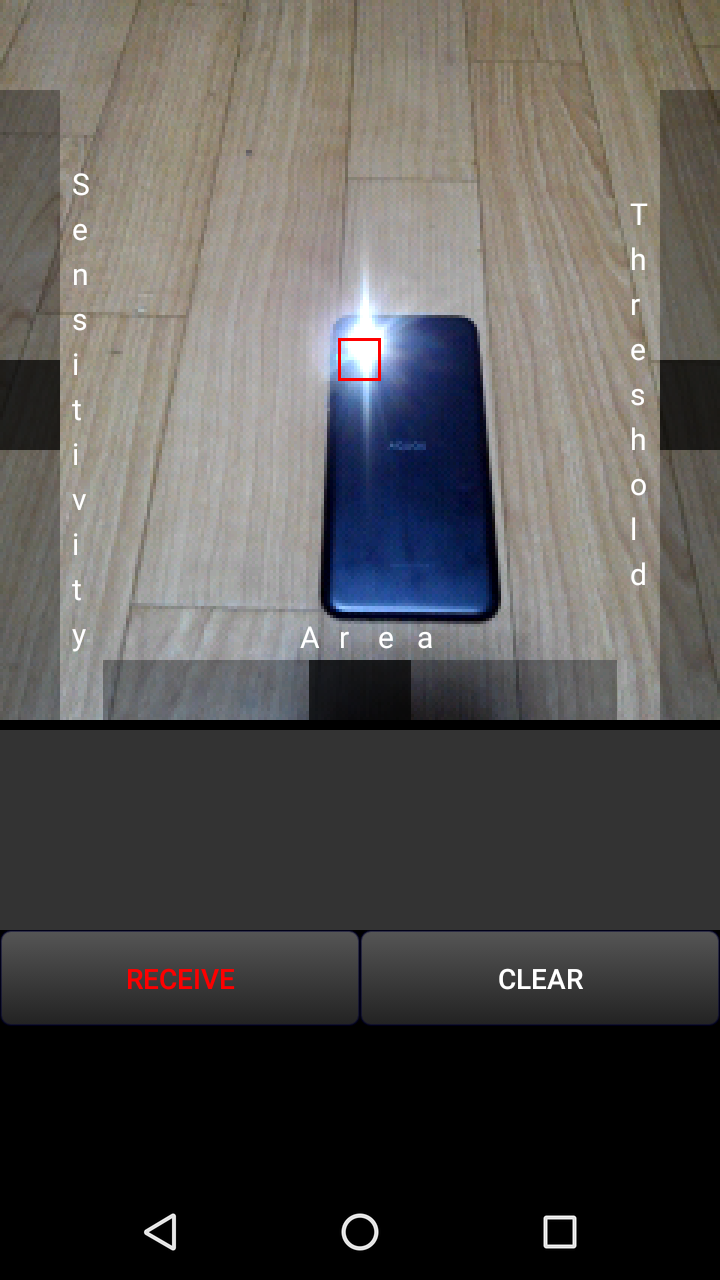
|
■How to use The description you are looking at now |
■in conclusion I hope you can have a fun conversation with Morse code. |