HumanSensor

|
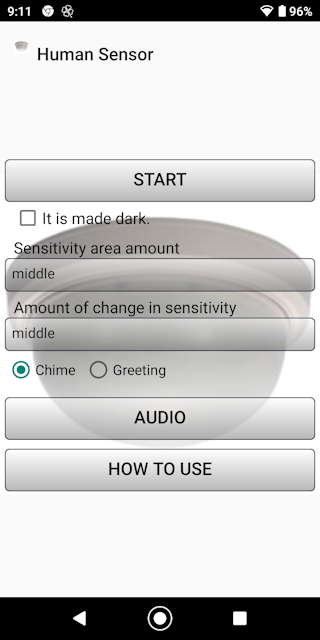
■Introduction This "Human Sensor" is an application that transforms the camera of the terminal into a motion sensor. It detects a person who has passed through the sensor area on the screen and notifies you with a chime.
It also has a greeting mode.
|
|
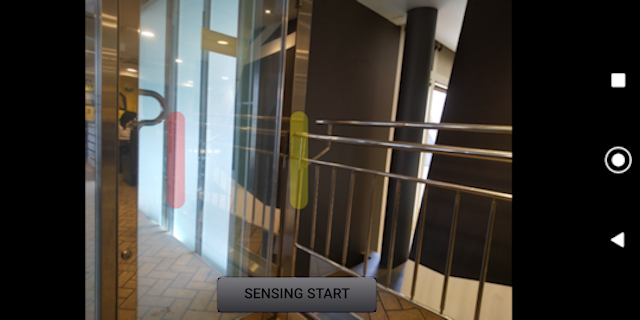
■start Start button Tap to move to the sensing screen. ②Chime mode red sensing area
When it is beeping, it senses movement. ③Greeting mode Red sensing area and yellow sensing area In the greeting mode, the inside one is red and the beep sounds, and the outside one is yellow and the beep sounds.
If it keeps ringing, or if it does not ring even if there is movement, back up and adjust the sensitivity.

|
|
■Darken If you check Darken You can darken the sensing screen. |
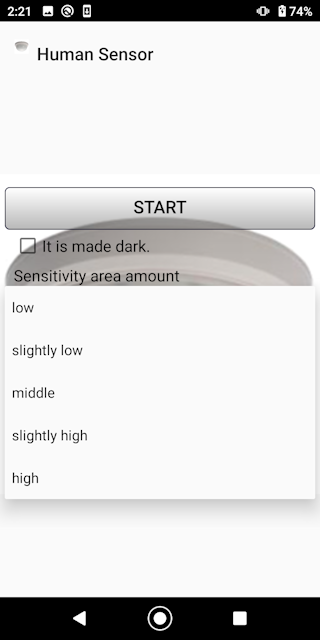
■Sensitivity setting ④Sensitivity area amount You can set the sensitivity in 5 steps. Please set according to the situation such as range and background.
|
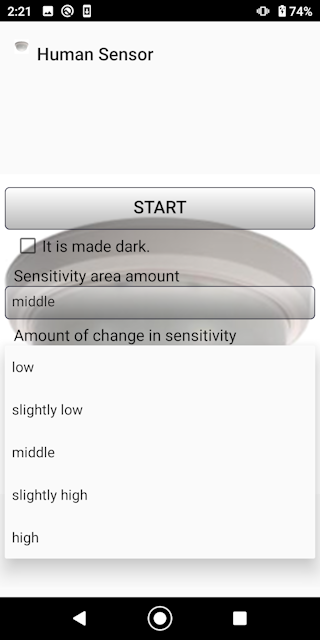
■Sensitivity setting ⑤Sensitivity change amount You can set the sensitivity in 5 steps. Please set according to the situation such as range and background.
|
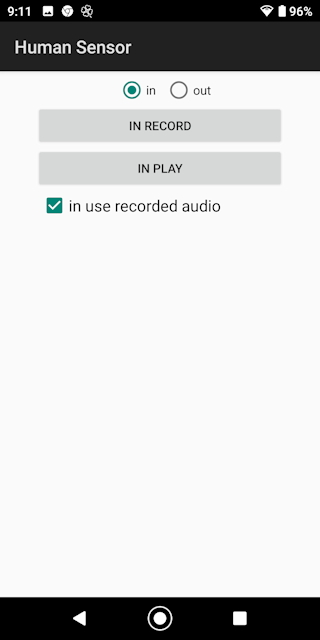
■audio ⑥You can record voice. You can say hello in your favorite words. Select in or out and record. If you want to use audio, check Use recorded audio.
|
■in conclusion We hope you find this app useful. |