RangeFinder
|
■Introduction With this "rangefinder", you can find the distance to the object simply by entering the dimensions of the object and aligning the lines on the screen. Both width and height are possible. ①This is the first screen of the application. 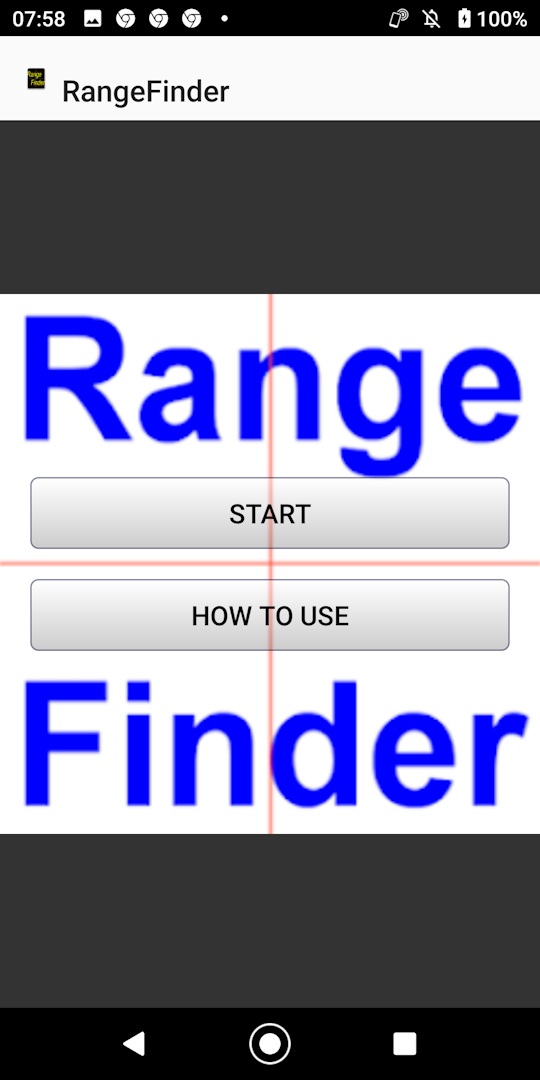
|
|
■start ②First, take a picture of the object you want to measure by tapping the screen. 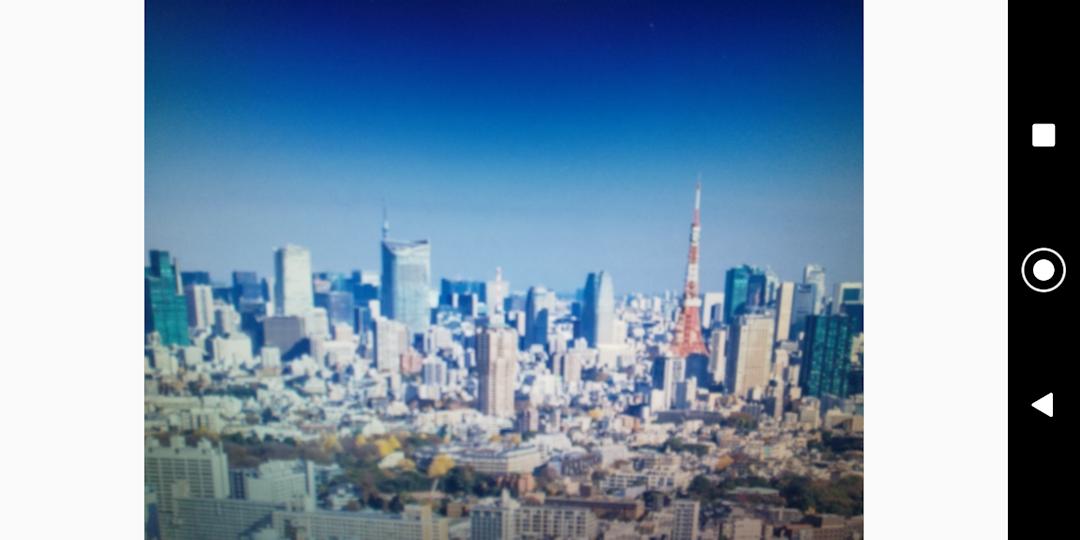
|
|
③Align the line with the object. Either up, down, left or right is OK To move the line, drag on the line. Enter the dimensions of the object and the distance will be displayed. (You can enter the dimensions of the object first) expansion If the object is small and it is difficult to align the line, enlarge it. Enlargement is inside the red frame (the red frame can also be moved by dragging) correction The focal length differs depending on the terminal, so please correct it. It will be reflected when you enter the actual distance. (It is OK to correct once) 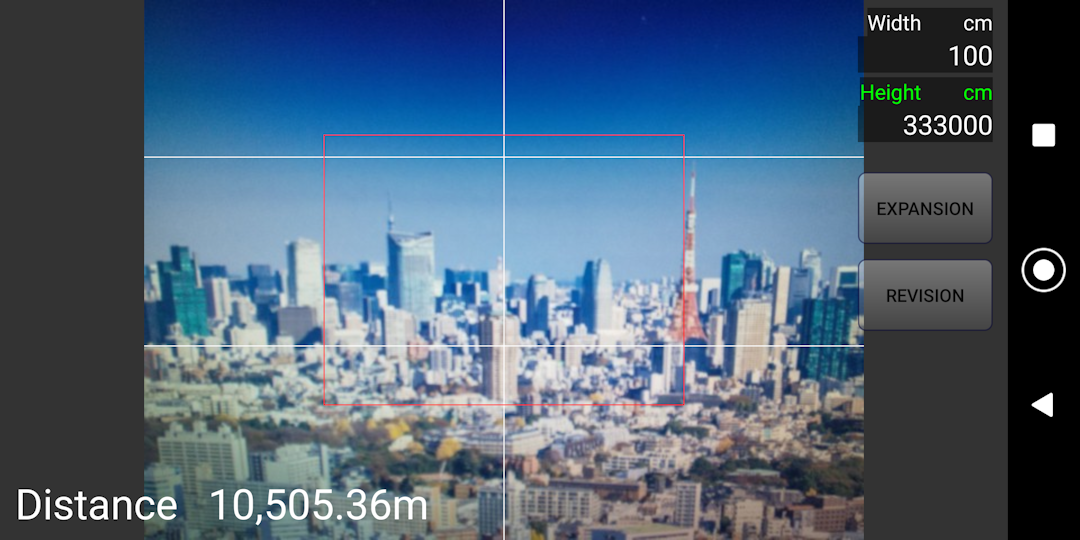
|
|
■How to use The description you are looking at now |
■in conclusion We hope you find this app useful. |