ScoreLab
|
■Introduction "ScoreLab" is a music notation creation app that has key flick input and automatic piano performance input. ①This is the first screen of the application. It can be created from either performances or sheet music. 
|
|
■performance ②You can play it on the piano. Please play by touching the screen. 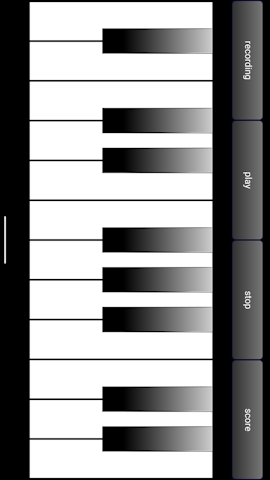
|
|
When you record and proceed to the score, the score is automatically created. To record, tap the record button. ③It turns red while recording. 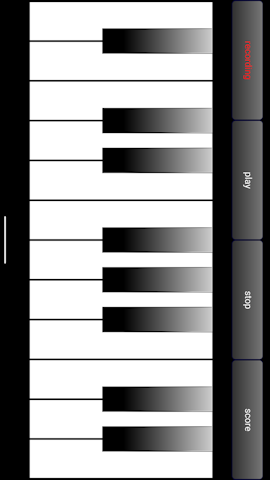
|
|
④Screen transitioning from performance to sheet music 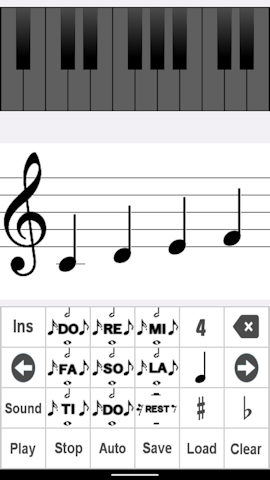
|
|
■score ⑤Touch the scale button and flick to the note you want to input. Without a flick, it becomes a quarter note. 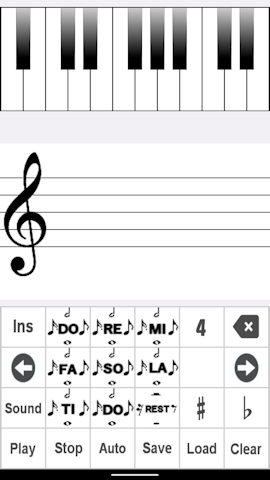
|
|
cursor ⑥The blue bar below the note is the cursor. Usually blue. Inputs are added at the end. Deletion also targets the last note. The cursor can be moved using the arrows. 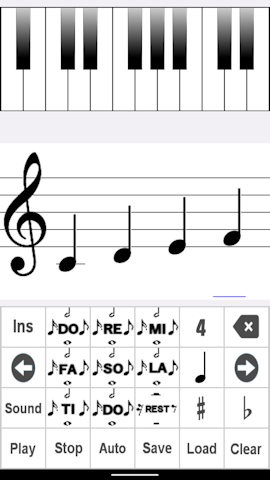
|
|
Ins ⑦insert mode When you tap the Ins button, the button turns light blue and the cursor turns red. In insert mode, the input note will be placed at the cursor position. Deleting will delete the note at the cursor position. Please tap again to cancel. All files except the last one will be in insert mode. 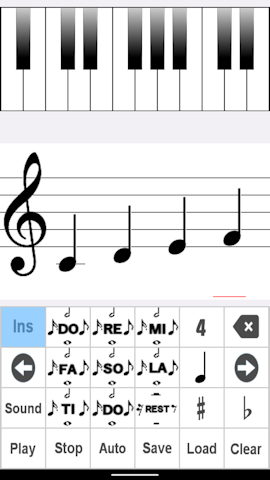
|
|
Sound When you tap the Sound button, the button turns light blue. There is a sound when inputting. Please tap again to cancel. Auto When you tap the Auto button, the button turns light blue. The score scrolls while playing. Please tap again to cancel. Play Play sheet music. Stop Stop playback. Clear Clear the music score. ♯ ♯ can now be entered. When you tap the ♯ button, the button turns light blue. Please tap again to cancel. ♭ ♭ can now be input. When you tap the ♭ button, the button turns light blue. Please tap again to cancel. note conversion Music notes can be easily converted. Move the cursor and flick the note button up or down. musical scale The scale has expanded. You can choose 3, 4, 5 Please flick the scale button up or down. Save ⑧Data storage You can save the created score with a name. 
|
|
Load ⑨Loading data Saved data can be read. Tap on the data you want to read from the list. To delete, press and hold on the list. 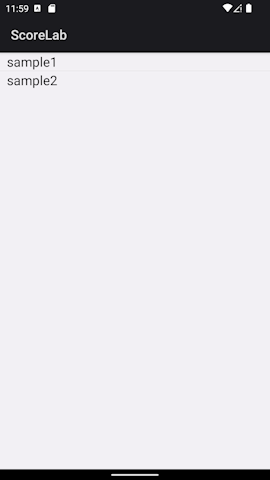
|
|
⑩performance You can play the sheet music you created. Please tap the piano at the top.
|
|
⑪Performance screen Playback will begin automatically. 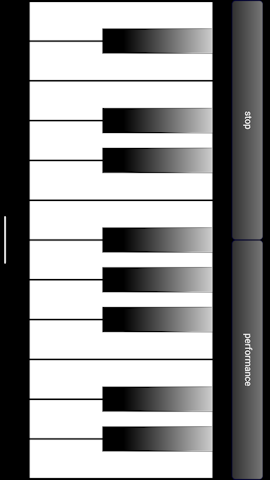
|
|
■in conclusion We have evolved it so that you can easily create sheet music by playing it on the piano, and vice versa. I hope you enjoy it. |