Taikyoku Bluetooth

|
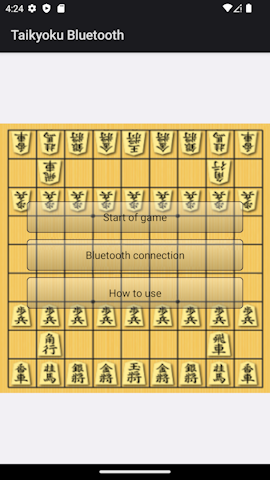
■Introduction This "Taikyoku Bluetooth" allows you to play games by connecting devices via Bluetooth. Tap "Make this device discoverable" on one side. Tap the other one to connect a device. Once the connection is established, the "Start game" button will be displayed, so tap it. You can play games even on one screen. ①This is the first screen of the application.
|
|
■Start of game ②Game surface Games are played on one board. 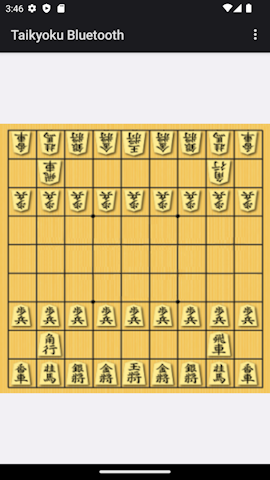
|
|
■bluetooth connection ③Tap "Make this device discoverable" on one side. Tap the other one to connect a device. 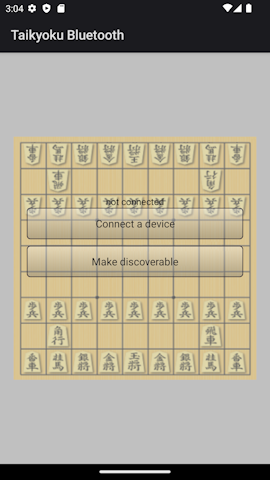
|
④Once the connection is complete, the game start button will appear, so tap it to proceed to the game board. ④ 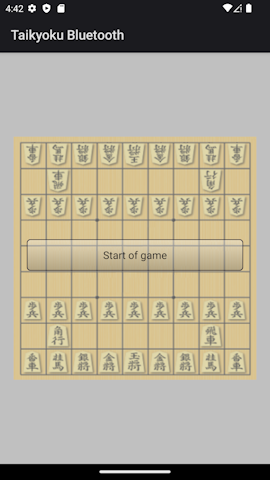
|
⑤Game surface
|
⑥You can choose New, Waited, or Reject from the menu. 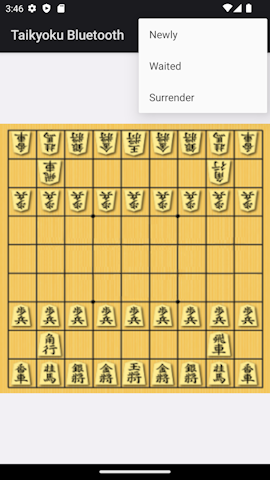
|
■in conclusion I hope this app is useful to you. |